
Make Every Photo Feel Intentional
Remove distractions, people, signs, and unwanted objects from your photos with a few strokes. Powered by advanced AI that runs entirely on your device.

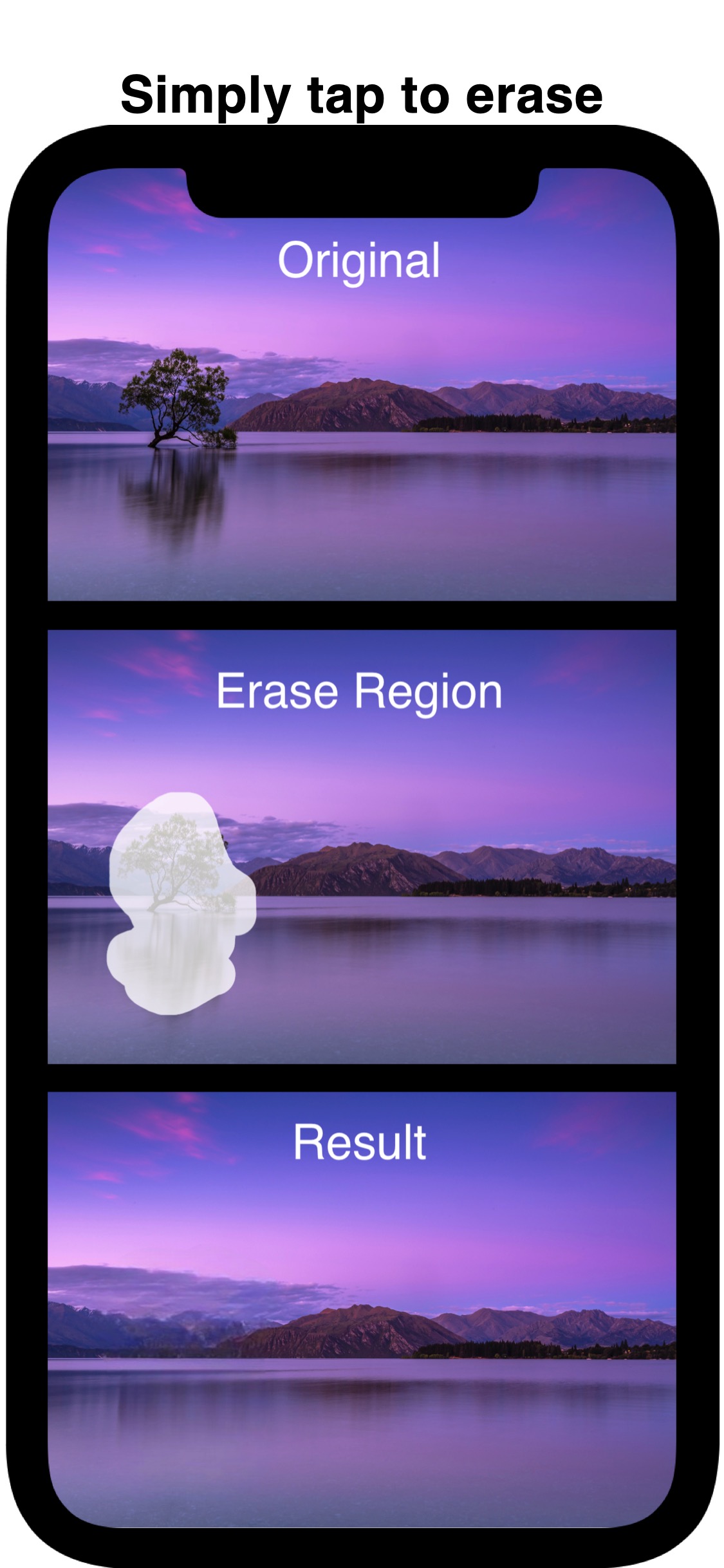
Erase Anything. Keep the Magic.
Paint to Erase
Simply brush over anything you want removed. The intuitive masking tool gives you precise control over what stays and what goes.
AI-Powered Fill
Our on-device AI intelligently reconstructs the background, making removals look natural and seamless — no internet required.
100% Private
All processing happens locally on your iPhone. Your photos never leave your device. No accounts, no cloud uploads, no data collection.
Full-Quality Export
Save and share your edited photos in full resolution. Every result looks like it was always meant to be that way.
Three Steps to a Cleaner Photo
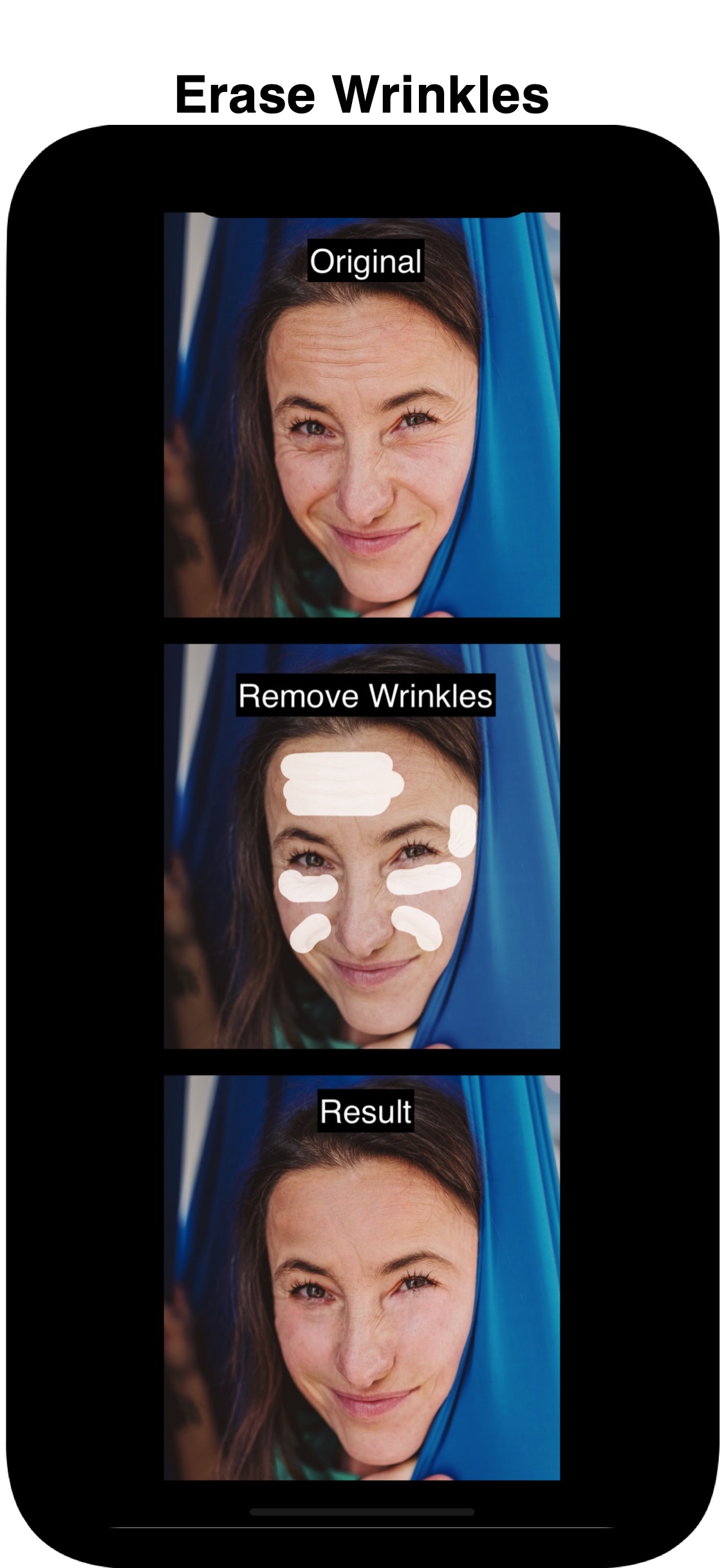
Choose a Photo
Pick any photo from your library or take a new one with your camera.
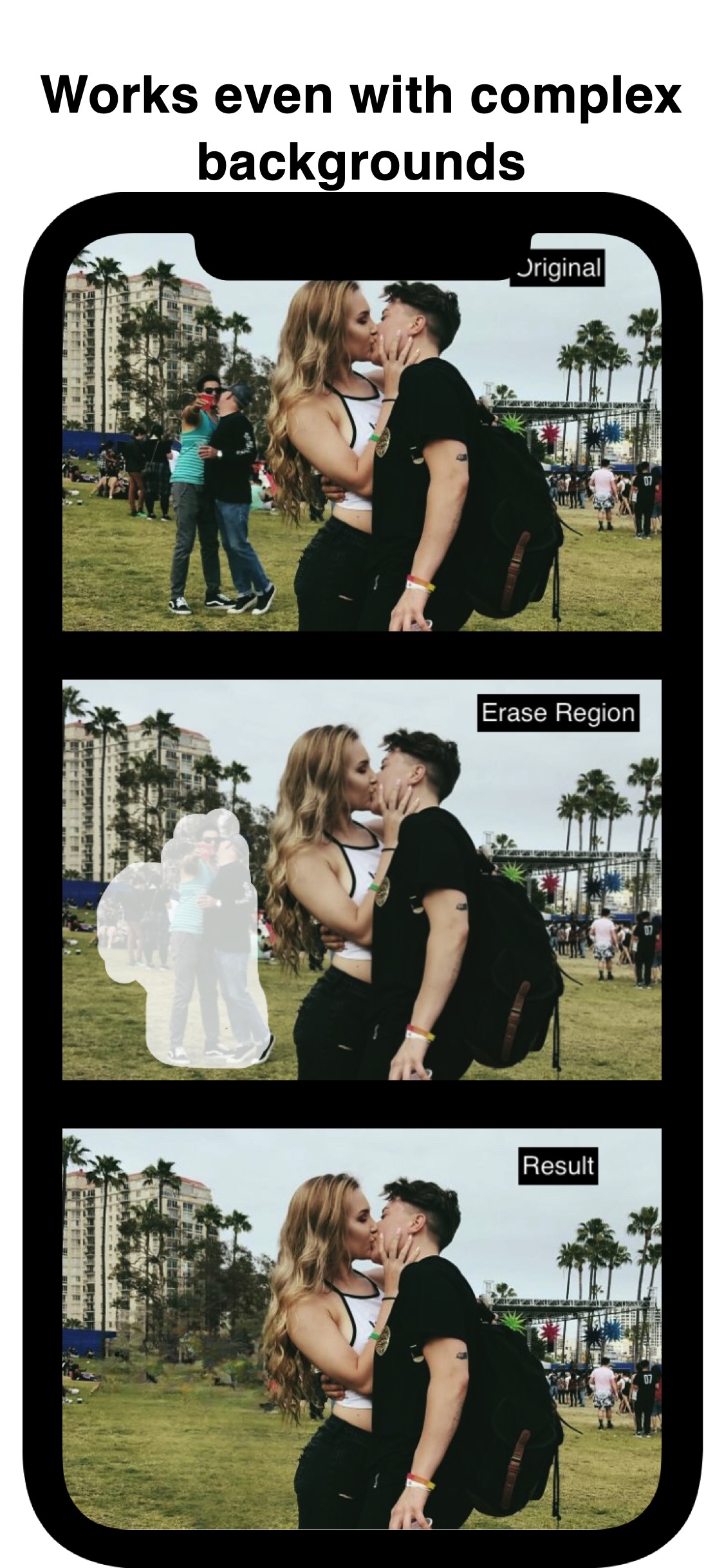
Paint What to Remove
Brush over the objects, people, or text you want to erase. Adjust your mask at any time.
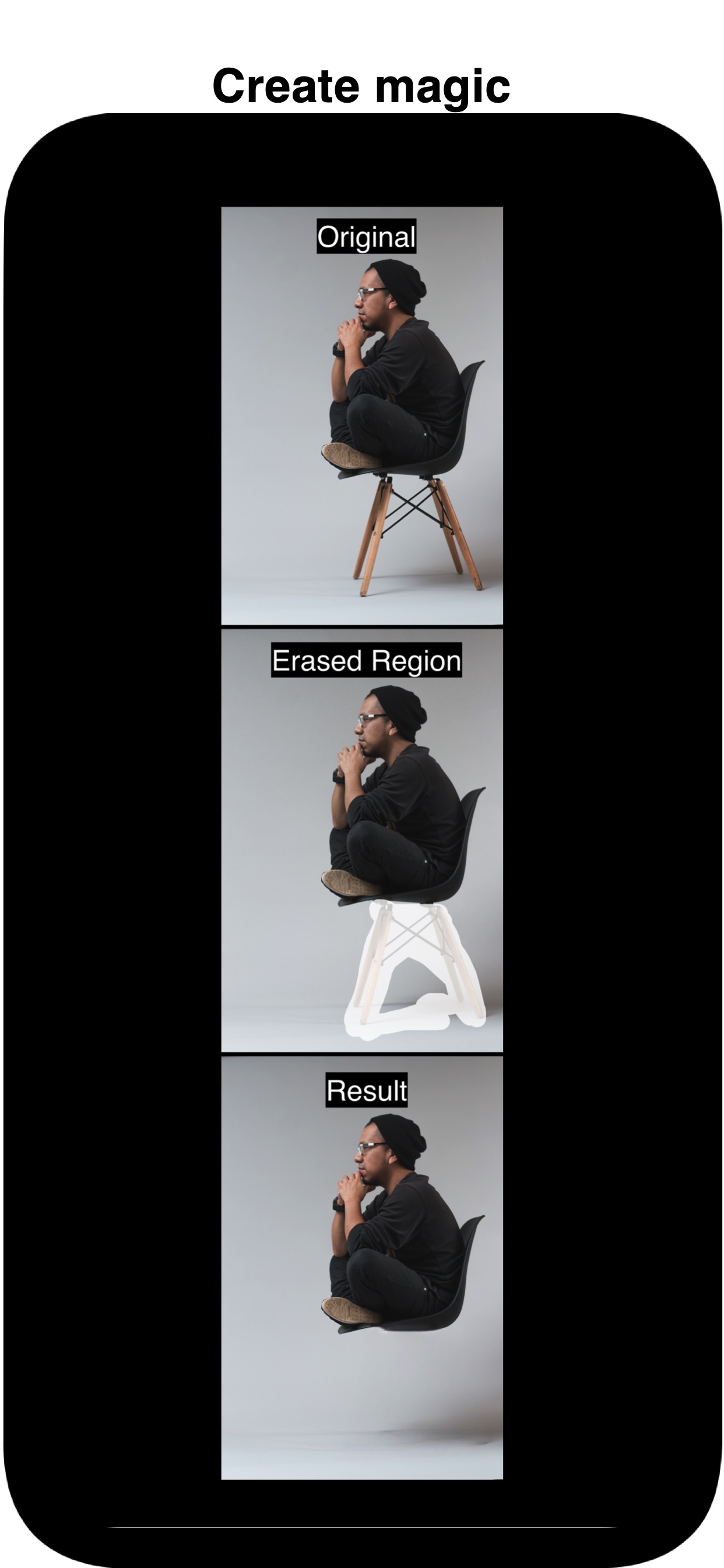
Let AI Do the Rest
Tap erase and watch the AI intelligently fill in the background for a natural result.
Before & After
See how Magical Eraser transforms your photos in seconds.
Your Photos Stay Yours
Magical Eraser processes everything on-device using Apple's Neural Engine. Your photos are never uploaded to any server, shared with third parties, or used for training. No account required. No data collected. Period.
Read the full Privacy Policy →Ready to Clean Up Your Photos?
Download Magical Eraser today and start removing unwanted objects in seconds.
Need Help?
We're here for you. Reach out and we'll get back to you as soon as possible.
Contact Support